
Finish
Account and license
SummaryTrial, activate this computer, connect for Share, language, and updates.
Settings holds the license on this computer, an optional account for Share, language, and updates. Open Settings in the top bar.
License
After launch you can draw, type, and trace on the hoop. A license saves the project, writes the machine file, and lets you share.
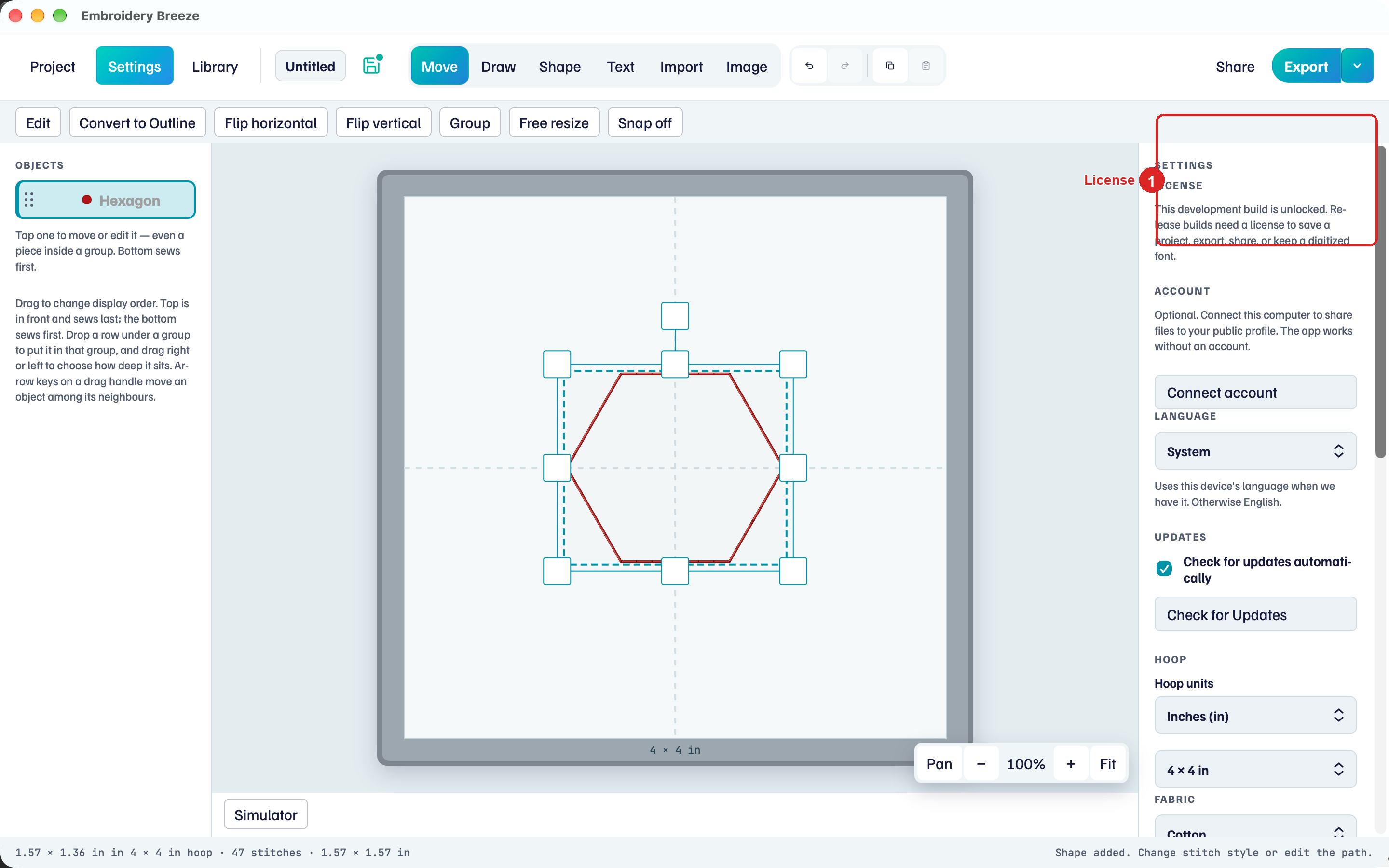
A 7-day trial unlocks save, export, and share until it ends. After that, Buy (or Activate) opens the purchase flow. Allow this computer in the browser. There is no serial to type.
One purchase covers up to three computers for this edition. Phone and tablet are separate store purchases. The same .breeze file opens on every device.
Activated copy: This computer is activated for Embroidery Breeze. Save, export, share, and digitized fonts are unlocked.
Account
The account is only for Share. The app works without one.
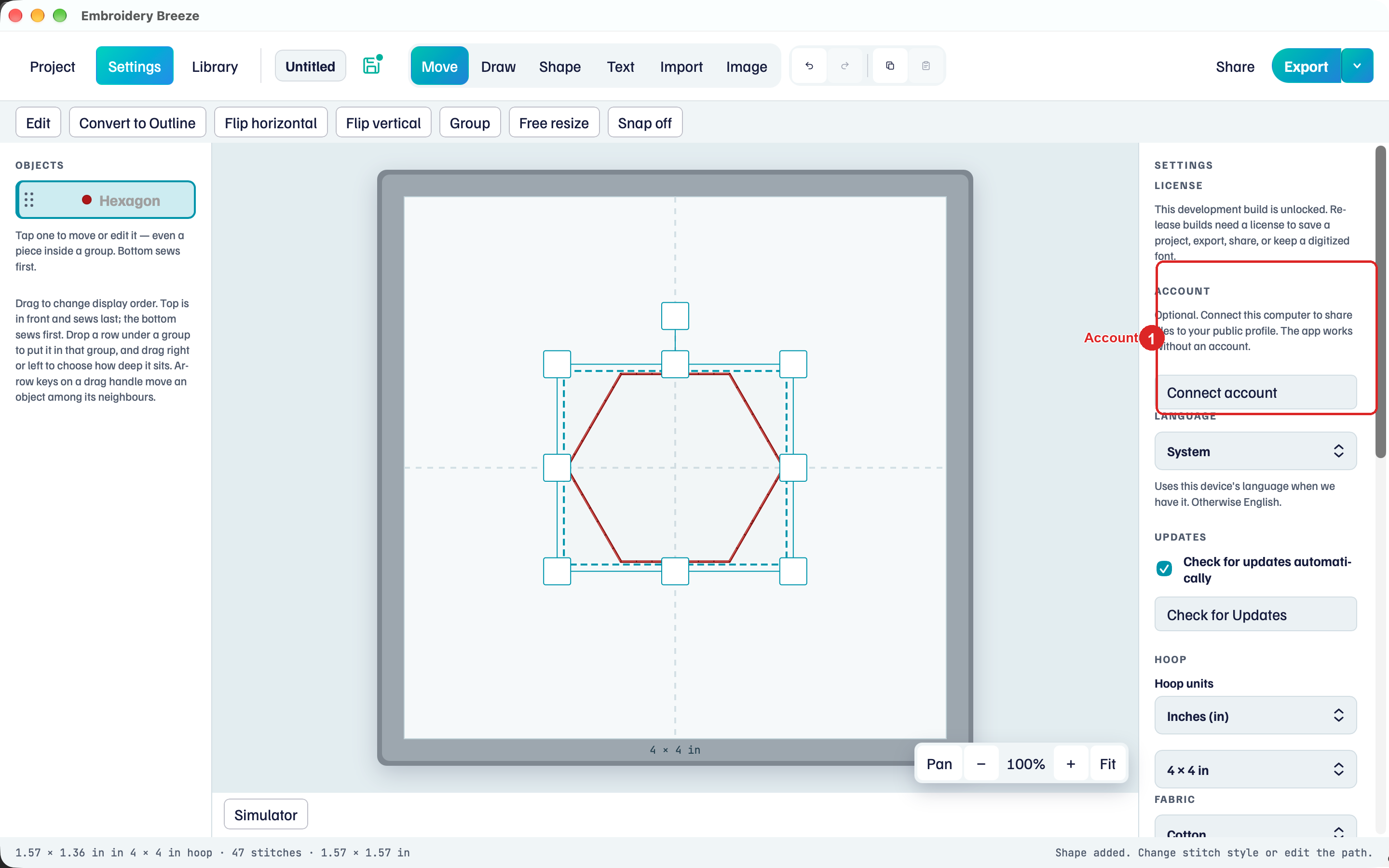
- Under Account, click Connect account.
- Open browser, sign in, and Allow this computer.
Once connected, the hint names the handle (Connected as @name) and Open profile / Disconnect appear. Disconnect leaves already-posted designs.
Share steps are in Share.
Language and updates
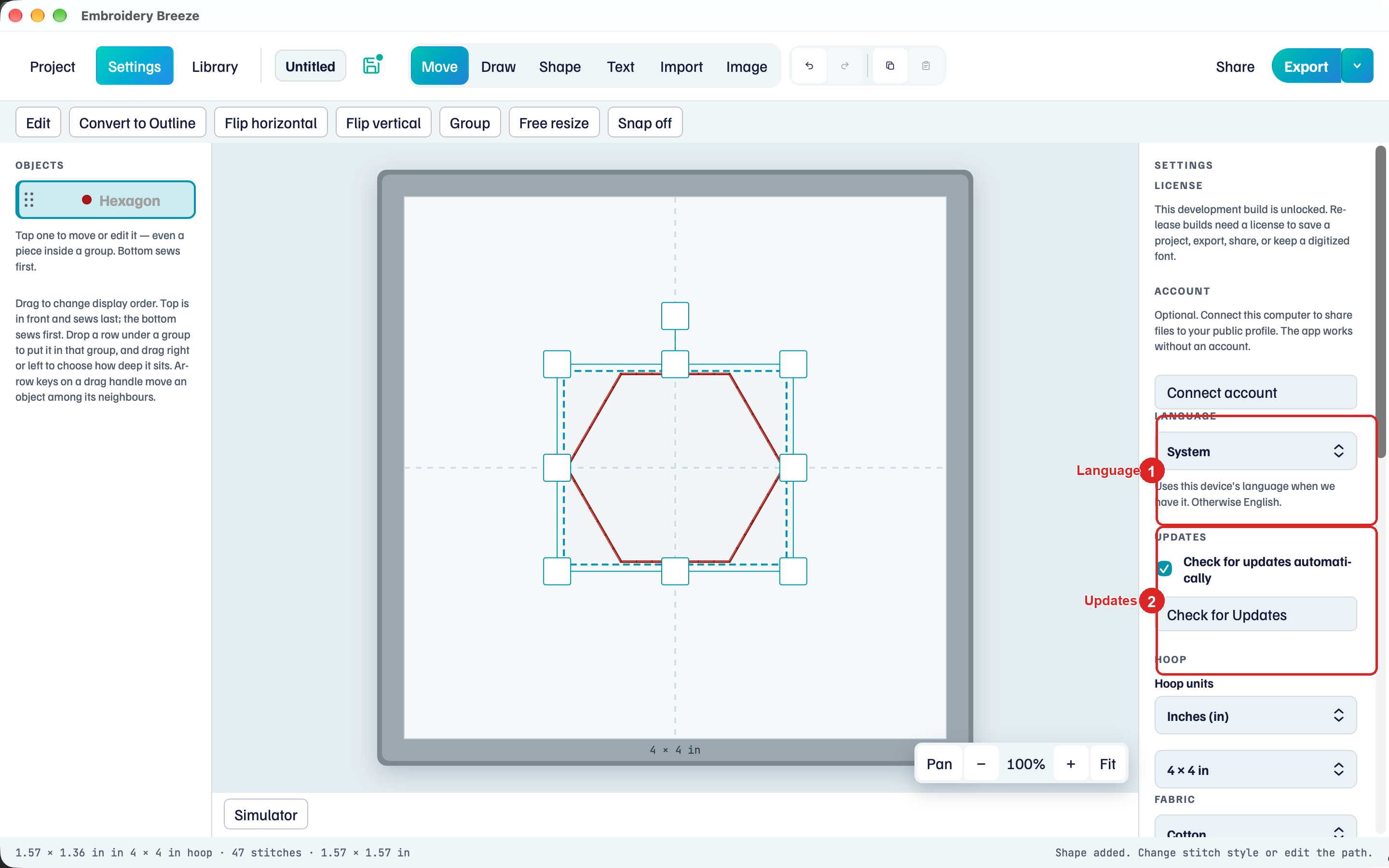
Language follows System, or a language you pick. It uses this device’s language when Embroidery Breeze has it. Otherwise English.
Under Updates:
- Check for updates automatically
- Check for Updates (shows Checking… while it looks)
Hoop, fabric, and threads in the same panel are in Hoop, fabric, and threads.